How to Map 16:9 Video onto Spherical or Irregular LED Surfaces Without Distortion
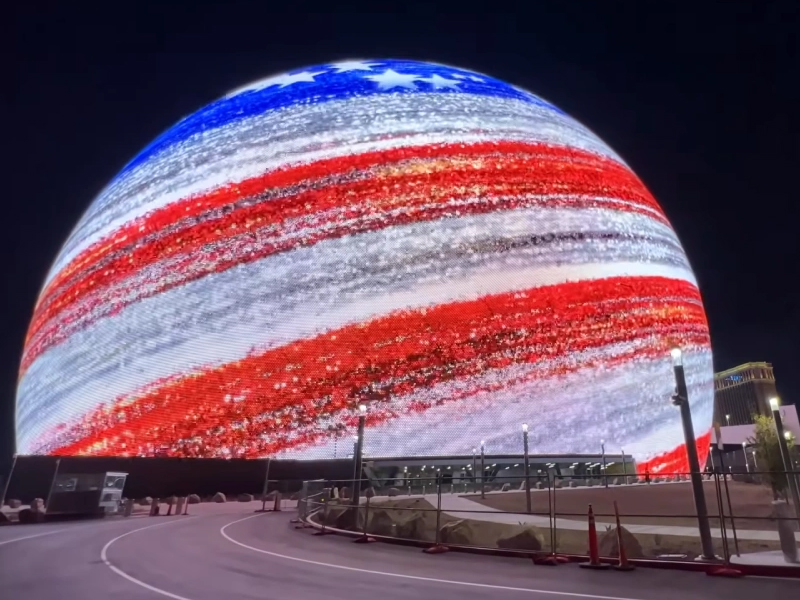
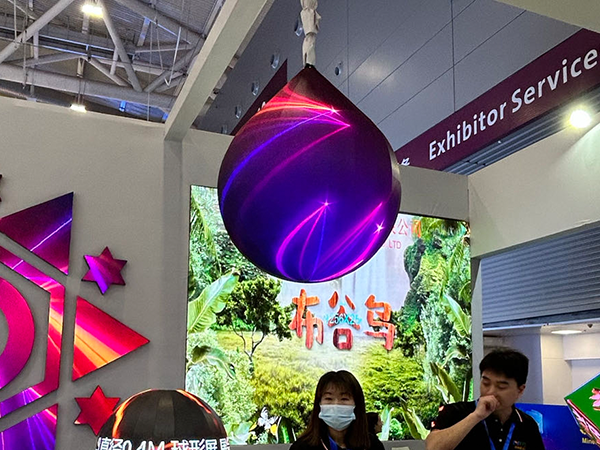
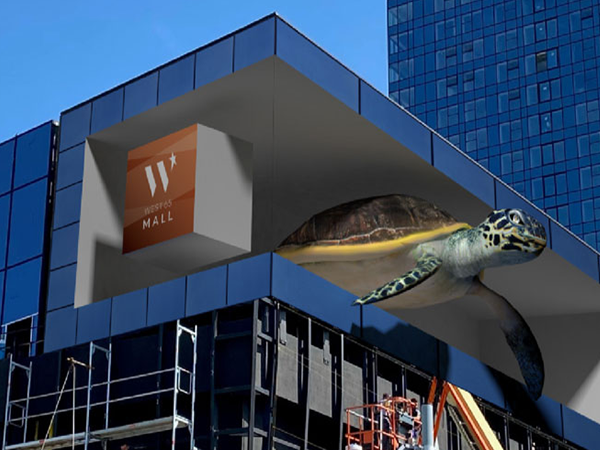
To display a standard 16:9 video across a spherical or irregular LED surface without distortion, you need to use coordinate remapping.
In simple terms, you predefine exactly which point in the video each physical pixel should display. This ensures the content appears natural, even on complex shapes.
The Core Workflow
You can break the process into three key steps:
1. Build a 3D Model of the Actual Structure
Start by recreating the real-world LED structure inside a computer.
Use measurements or design drawings to build an accurate 3D model of the sphere or custom-shaped surface. Every point on this model must have precise spatial coordinates (x, y, z).
This digital model becomes the foundation for all further mapping.
2. Define the Mapping Relationship
Next, establish how the 2D video maps onto the 3D surface.
Think of the 16:9 video frame as a flexible sheet. You “wrap” or “project” this sheet onto the 3D model by assigning each 3D point a corresponding 2D coordinate (u, v) from the video.
- For spherical screens
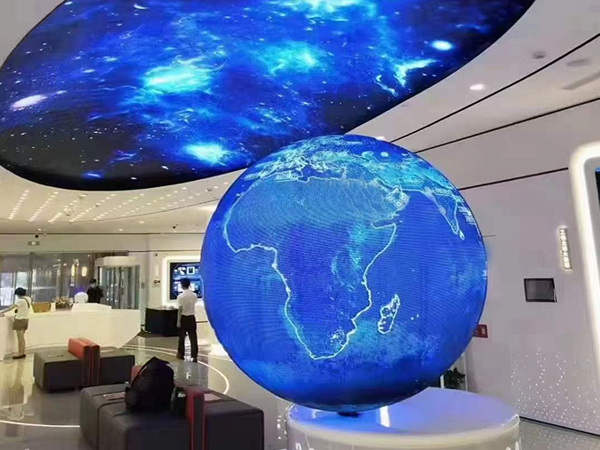
Use spherical mapping. This works like wrapping a world map around a globe. You may allow controlled stretching near the poles to maintain continuity. - For irregular surfaces
Use custom mapping rules. Depending on the geometry, you can rely on software tools to automatically calculate the mapping, or manually adjust it to match creative intent.
In both cases, the goal is the same: ensure the content “sticks” to the surface exactly as designed.
3. Execute the Mapping in the Control System
Finally, load the mapping data into the LED control system.
This mapping data acts as a lookup table: it tells each physical pixel which part of the video to sample. You typically upload this data into devices such as:
- Sending cards
- Receiving cards
- Media servers
During playback, the system no longer outputs video in a standard rectangular grid. Instead, it uses the mapping table to fetch the correct color from the source video and assign it to each LED pixel.
The Result
Because every pixel follows a predefined mapping rule:
- The content wraps naturally onto the surface
- No visible stretching or distortion occurs
- The audience sees a seamless, correctly proportioned image
Precision Optimization (Advanced Step)
If you need higher accuracy, add pixel-level calibration:
- Capture the displayed image using a camera
- Analyze deviations between expected and actual output
- Iteratively adjust the mapping data
This feedback loop refines alignment until the visual result appears perfectly seamless.
Key Takeaway
Distortion-free playback on spherical or irregular LED screens depends on one principle:
Control the mapping, not the content.
By combining accurate 3D modeling, precise coordinate mapping, and control system execution, you can display standard video content on any shape—while preserving visual integrity.