Which LED Video Wall Controller Should You Choose?
An LED video controller is the core processing unit of any LED display system. It handles video input, processes the signal, and drives the screen output.
Models like NovaStar VX600, NovaStar VX1000, and Colorlight X16E are popular all-in-one controllers. They combine a video processor and sending card into a single device, which simplifies system design and installation.
However, these three models target different project scales. Let’s break down their differences and help you choose the right one.
1. Key Specifications and Performance Comparison
1.1 NovaStar VX600
Positioning: Entry-to-mid level / small-to-medium projects
- Ethernet ports: 6
- Max loading capacity: ~3.9 million pixels (~2.5× 1080p)
- Max resolution: 10240 × 8192
- Layers: Supports up to 3 × 4K×1K layers
Input Interfaces
- 2 × HDMI 1.3
- 1 × DVI
- 1 × 3G-SDI
- 1 × Fiber
Key Features
- Video control + fiber conversion + bypass modes
- Low latency processing
- Pixel-level brightness and color calibration
- Works with NovaStar ecosystem (NovaLCT software)
Best for:
- Meeting rooms
- Retail displays
- Small rental screens
- Standard indoor LED walls
1.2 NovaStar VX1000
Positioning: Mid-to-high level / professional applications
- Ethernet ports: 10
- Max loading capacity: ~6.5 million pixels (~4.5× 1080p)
- Max resolution: 10240 × 8192
- Layers: Supports 3 × 4K×1K
Input Interfaces
- 2 × HDMI 1.4
- 2 × DVI
- 1 × 3G-SDI
- 1 × Fiber
Key Features
- Supports 4K@60Hz input (4K×1K mapping)
- Multiple backup mechanisms:
- Input source backup
- Device parameter backup
- Ethernet port redundancy
- Enhanced thermal design + ESD protection
Best for:
- Fine-pitch LED displays (P1.2–P1.8)
- Stage and live events
- High-end rental applications
- Projects requiring reliability and redundancy
1.3 Colorlight X16E
Positioning: High-end / large-scale and complex displays
- Ethernet ports: 16
- Max loading capacity: ~10.48 million pixels (~7.3× 1080p)
- Max resolution: 16384 × 8192
- Windows: Up to 6 simultaneous windows
Input Interfaces
- 1 × DP 1.2
- 1 × HDMI 2.0
- 2 × HDMI 1.4
- 2 × DVI
Key Features
- Dual 4K input support
- Advanced video splicing and scaling
- Seamless multi-source switching
- Supports complex displays:
- Ultra-wide screens
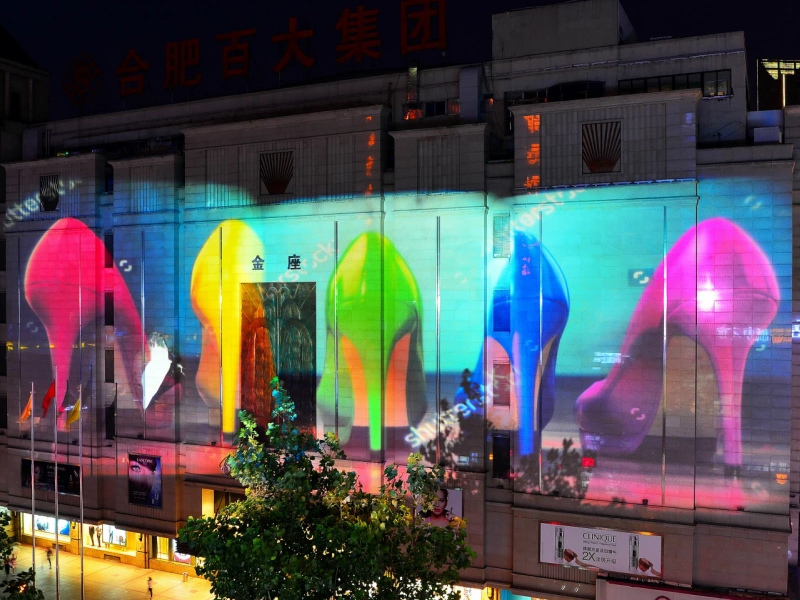
- Irregular/creative LED screens
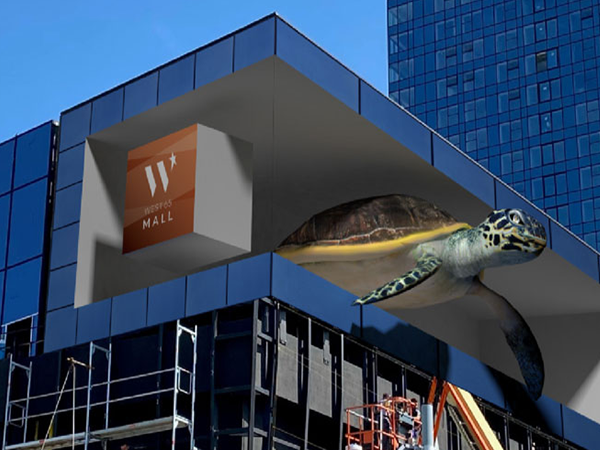
- Naked-eye 3D displays
Best for:
- Large exhibition halls
- Ultra-wide LED walls
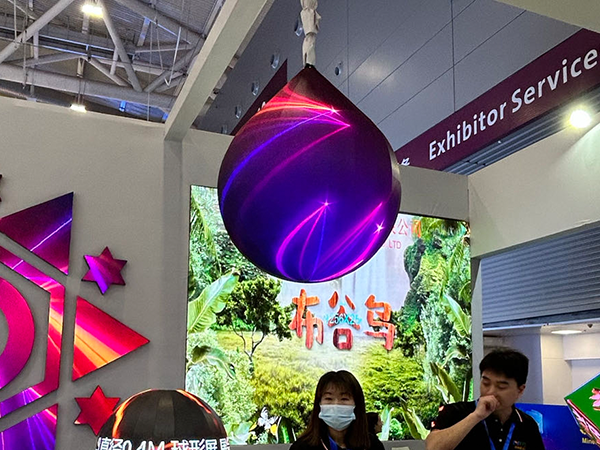
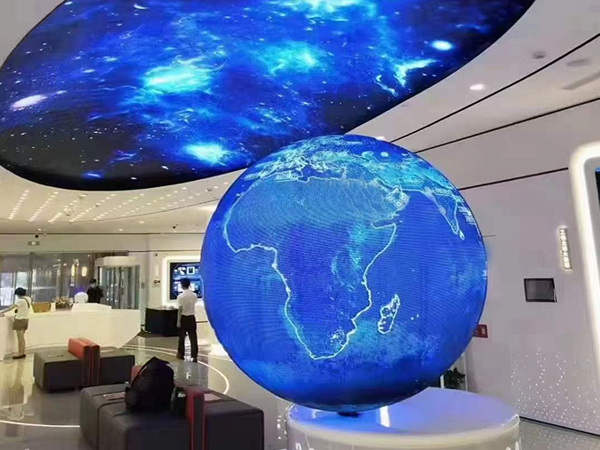
- Creative/spherical displays
- High-end fixed installations
2. Core Differences at a Glance
| Feature | VX600 | VX1000 | X16E |
|---|---|---|---|
| Ethernet Ports | 6 | 10 | 16 |
| Max Pixels | 3.9M | 6.5M | 10.48M |
| Max Width | 10240 | 10240 | 16384 |
| Input Capability | Basic | Advanced | High-end (Dual 4K) |
| Windows/Layers | 3 | 3 | Up to 6 |
| Price Level | Medium | Mid-high | High |
3. How to Choose the Right Controller
Instead of chasing specs, focus on pixel load, application scenario, and budget.
3.1 Choose VX600 (Cost-Effective Option)
Use NovaStar VX600 if:
- Total pixels ≤ 3.5 million
- You need a stable, affordable solution
Typical Use Cases:
- Conference rooms
- Retail signage
- Small LED walls
Example:
- P2.5, 10㎡ → ~2 million pixels
- P3, 20㎡ → ~2.2 million pixels
3.2 Choose VX1000 (Balanced Performance)
Use NovaStar VX1000 if:
- Total pixels: 3.5M – 6M
- You need higher stability + backup features
Typical Use Cases:
- Fine-pitch displays
- Stage/rental environments
- Medium-sized LED walls (15–40㎡)
Bonus:
If you expect future expansion, VX1000 gives you headroom.
3.3 Choose X16E (High-End Projects)
Use Colorlight X16E if:
- Total pixels > 6 million
- You need multi-window, ultra-wide, or creative display support
Typical Use Cases:
- Large exhibition LED walls
- Ultra-wide screens (>10m width)
- Spherical / irregular LED displays
- Naked-eye 3D installations
4. Additional Buying Tips
4.1 Calculate Total Pixels Correctly
Total Pixels = Width × Height (in pixels)
Always leave 10–20% headroom to avoid overload.
4.2 Match the Ecosystem
- NovaStar controllers → NovaStar receiver cards
- Colorlight controllers → Colorlight receiver cards
Mixing brands often leads to compatibility issues.
4.3 Consider Application Type
- Rental / stage projects → NovaStar (mature ecosystem, easier setup)
- Fixed large installations → Colorlight (stronger load capacity)
4.4 Budget Reference
- VX600 → Mid-range
- VX1000 → Mid-to-high
- X16E → High-end
Typical price range: $200 – $1,100+ depending on configuration and market.
Conclusion
- VX600 → Best for small projects and tight budgets
- VX1000 → Best balance of performance and reliability
- X16E → Best for large-scale, high-end, and creative displays
In practice, the right choice comes down to this:
Match controller capacity to your screen’s total pixels and future expansion needs.
Do that correctly, and your LED system will run stable, scalable, and hassle-free.