Which Technology Is Primarily Used for LED Displays to Display Images?
Modern LED displays have transformed the way businesses communicate with audiences. From giant outdoor billboards and stadium scoreboards to retail digital signage and immersive exhibition installations, LED screens deliver bright, vivid visuals in almost any environment.
But have you ever wondered which technology actually allows an LED display to show images and videos?
The answer goes beyond simply lighting up thousands of LEDs. Modern LED displays rely on a combination of LED pixels, digital control systems, image processing, and video transmission technologies to create seamless visual content.
In this article, we'll explain how LED displays generate images, what technologies are involved, and why these technologies matter when choosing an LED display.
How Does an LED Display Create Images?
Unlike LCD screens, which use a backlight behind liquid crystals, an LED display is made up of millions of tiny light-emitting diodes.
Each LED emits its own light.
A full-color LED display consists of countless RGB (Red, Green, Blue) LEDs. By adjusting the brightness of each red, green, and blue chip independently, the display can reproduce millions—or even billions—of colors.
Every group of RGB LEDs forms one pixel.
When thousands or millions of these pixels work together, they create complete images, animations, and videos.
Simply put:
Image = Millions of RGB pixels + Precise brightness control + High-speed refresh
The Core Technologies Behind LED Image Display
1. RGB LED Technology
RGB technology is the foundation of nearly every full-color LED display.
Each pixel contains:
- Red LED
- Green LED
- Blue LED
The display controller changes the brightness of each color independently.
For example:
| Color | RGB Value |
| Red | 255,0,0 |
| Green | 0,255,0 |
| Blue | 0,0,255 |
| White | 255,255,255 |
| Yellow | 255,255,0 |
By combining different brightness levels, LED displays generate an enormous color palette.
2. PWM (Pulse Width Modulation)
One of the most important technologies inside modern LED displays is Pulse Width Modulation (PWM).
Rather than lowering voltage to dim LEDs, PWM rapidly turns LEDs on and off thousands of times every second.
The human eye cannot detect this switching.
Instead, it perceives different brightness levels.
Benefits include:
- Smooth grayscale performance
- Accurate brightness adjustment
- Better color consistency
- Reduced flicker
- Excellent camera performance
High-end LED displays often feature refresh rates of 3840Hz, 7680Hz, or even higher for broadcast applications.
3. LED Driver ICs
Every LED display requires specialized driver chips.
These ICs are responsible for:
- Controlling every pixel
- Delivering current precisely
- Maintaining brightness consistency
- Preventing color shifts
- Improving grayscale performance
Without quality driver ICs, an LED screen may suffer from:
- Flickering
- Ghosting
- Uneven brightness
- Poor color accuracy
Driver IC quality has a direct impact on the overall visual experience.
4. Image Processing Technology
An LED display does not simply play video files directly.
Before content reaches the screen, it passes through an image processing system that performs tasks such as:
- Scaling images to match screen resolution
- Color correction
- Gamma adjustment
- HDR optimization
- Noise reduction
- Frame synchronization
Professional video processors ensure that images remain sharp even on ultra-large LED walls.
5. Video Transmission Technology
Displaying images on a large LED screen requires reliable data transmission.
The typical workflow looks like this:
Media Player → Video Processor → Sending Card → Network Cable/Fiber → Receiving Card → LED Modules
The receiving card distributes image data to every LED module, ensuring every pixel displays the correct color at exactly the right moment.
For very large installations, optical fiber is often used to maintain stable, long-distance signal transmission.
What Role Does the LED Control System Play?
The control system acts as the brain of the LED display.
It coordinates all hardware components to ensure images appear correctly.
Its responsibilities include:
- Video decoding
- Pixel mapping
- Brightness adjustment
- Frame synchronization
- Real-time playback
- Screen calibration
- Fault monitoring
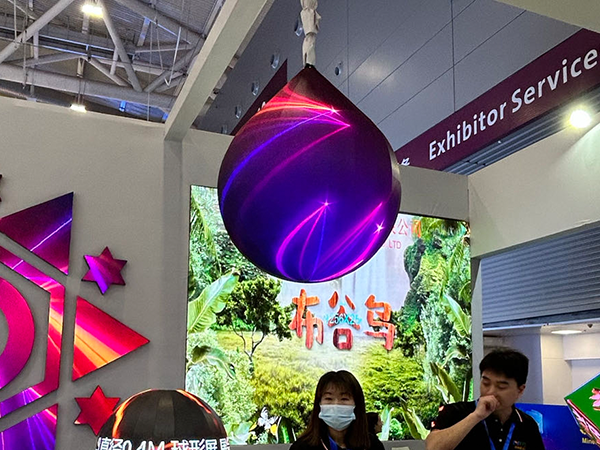
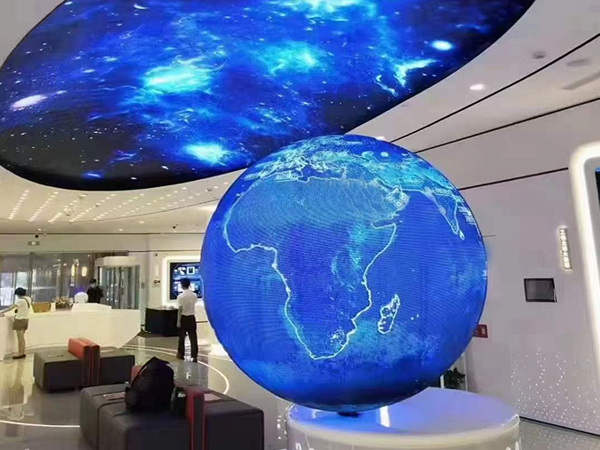
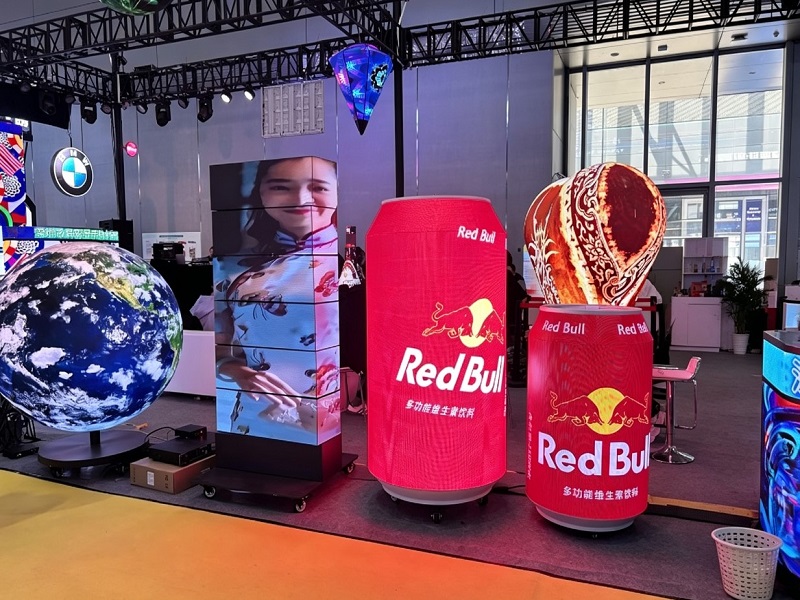
For creative LED displays with irregular shapes, the control system also performs advanced pixel mapping so content fits the unique screen geometry without distortion.
Why Refresh Rate Matters
Refresh rate determines how many times the display updates every second.
Higher refresh rates provide:
- Smoother motion
- Less flickering
- Better slow-motion camera recording
- Improved live broadcasting
- Enhanced visual comfort
Typical refresh rates include:
| Application | Recommended Refresh Rate |
| Indoor advertising | ≥1920Hz |
| Commercial displays | ≥3840Hz |
| TV studios | ≥7680Hz |
| Virtual production | 7680Hz or higher |
Image Quality Depends on More Than Just Resolution
Many buyers assume that higher resolution automatically means better image quality.
In reality, several technologies work together to produce a great viewing experience.
Important factors include:
- Pixel pitch
- Brightness
- Contrast ratio
- Color calibration
- Grayscale performance
- Driver IC quality
- Refresh rate
- Image processing
- Viewing angle
A balanced combination of these technologies delivers clear, vibrant visuals.
Emerging Technologies Improving LED Image Display
The LED display industry continues to evolve rapidly.
Some of the latest advancements include:
COB
COB technology improves durability while delivering higher contrast and a smoother display surface.
Micro LED
Micro LED uses extremely small LED chips to achieve higher pixel density, making it ideal for ultra-fine-pitch displays.
Common Cathode Technology
By optimizing power distribution, common cathode designs reduce energy consumption and heat generation while improving efficiency.
HDR Imaging
High Dynamic Range enhances brightness, shadow detail, and color depth for a more lifelike image.
AI Image Optimization
Some advanced LED control systems now use AI algorithms to automatically optimize color, contrast, and sharpness based on the displayed content.
Choosing the Right Technology for Your Application
Different applications require different technical priorities.
| Application | Key Technologies |
| Outdoor advertising | High brightness, weather resistance, stable signal transmission |
| Retail displays | Fine pixel pitch, color accuracy, HDR |
| Conference rooms | High resolution, image processing, low latency |
| Broadcast studios | Ultra-high refresh rate, grayscale performance, camera-friendly PWM |
| Creative LED displays | Flexible modules, pixel mapping, advanced control systems |
Selecting the right combination of technologies helps ensure optimal image quality, long-term reliability, and lower maintenance costs.
Conclusion
The technology behind LED image display is far more sophisticated than simply illuminating tiny LEDs. Modern LED displays combine RGB pixels, PWM brightness control, high-performance driver ICs, advanced image processing, fast video transmission, and intelligent control systems to produce smooth, vibrant, and highly accurate visuals.
Whether you're installing a digital billboard, a retail video wall, or a custom-shaped LED display, understanding these core technologies makes it easier to choose a solution that delivers excellent image quality, dependable performance, and lasting value.
FAQs
1. What technology is primarily used for LED displays to display images?
Modern LED displays primarily use RGB LED technology combined with Pulse Width Modulation , LED driver ICs, digital control systems, and image processing technology. Together, these technologies allow millions of pixels to reproduce high-quality images and videos.
2. Why do LED displays use RGB instead of a single-color LED?
RGB LEDs can produce millions of colors by mixing different brightness levels of red, green, and blue light. A single-color LED can only display one color, making it unsuitable for full-color images and videos.
3. Does a higher refresh rate improve image quality?
Yes. A higher refresh rate reduces flicker, creates smoother motion, improves camera performance during filming, and provides a more comfortable viewing experience. For professional applications such as broadcast studios and virtual production, refresh rates of 3840Hz or higher are generally recommended.